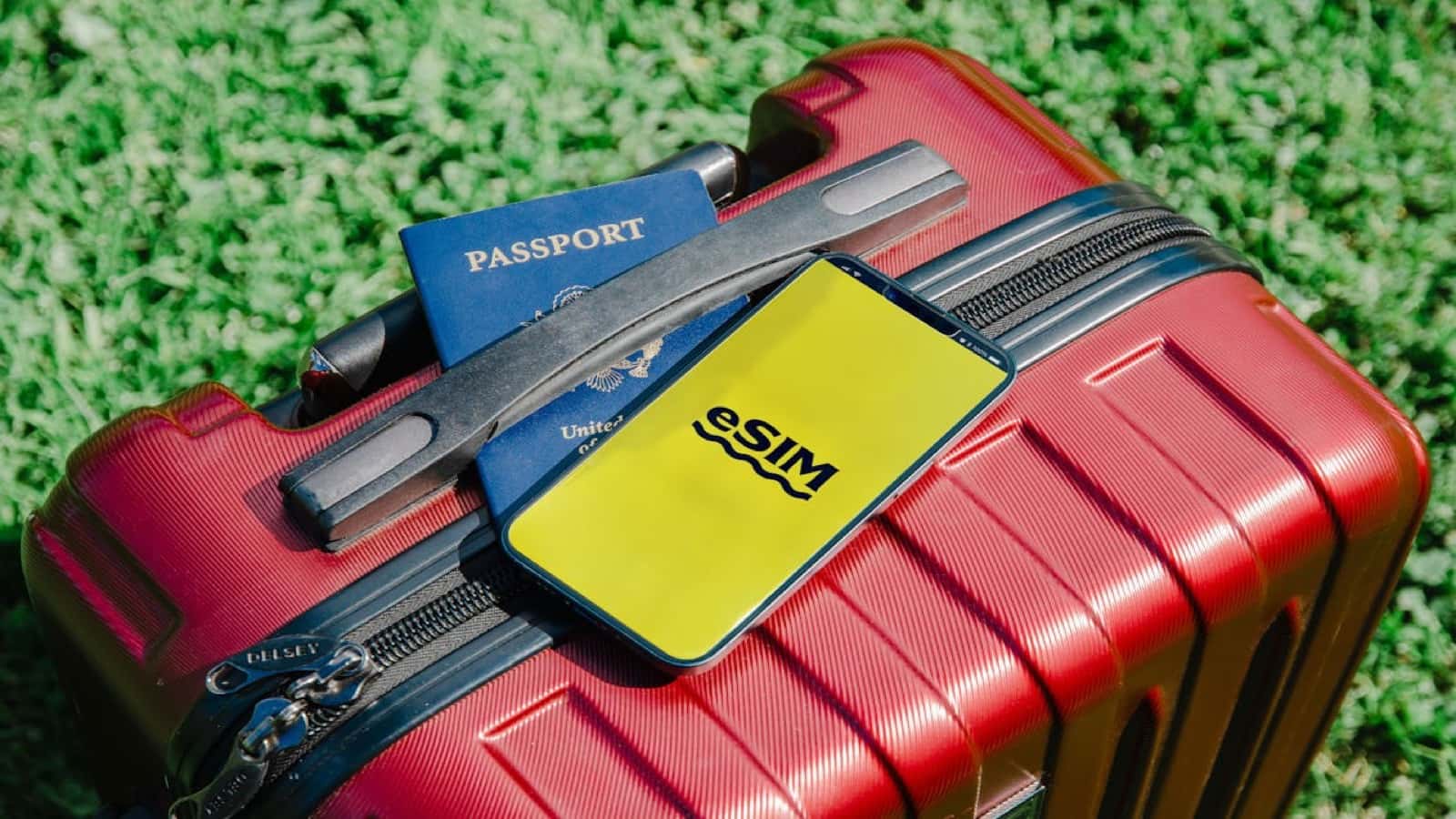
If you lose your passport in a foreign country, you will need to visit your nation's embassy or consulate, prove your identity and citizenship, and obtain an emergency travel document — a process that typically takes one to three business days and can cost $170 or more. What determines how long it takes, according to community reports and official consular guidance, is largely how much documentation you walk in with. A clear photo of your passport stored on your phone costs nothing, takes thirty seconds to set up, and is consistently cited across traveler forums as one of the single most useful things to have when the process begins.
How we evaluated
This verdict draws on recurring threads in r/travel and r/solotravel covering passport loss and emergency replacement, official emergency passport guidance from the U.S. Department of State and the UK Foreign, Commonwealth & Development Office, and first-hand accounts from the Lonely Planet Thorn Tree and TripAdvisor travel forums. No first-hand experience was used. All conclusions are sourced from publicly available traveler reports and government documentation.
The verdict
Worth-It Score: 9.5 out of 10. Keeping a photo of your passport on your phone is one of the highest-leverage travel habits with the lowest possible cost. It takes thirty seconds to set up, requires no ongoing effort, and is cited in government guidance and community consensus alike as a meaningful accelerant to emergency passport replacement. The only reason it doesn't score 10 is that a photo is not a legal travel substitute in any jurisdiction — it is evidence, not a document.
The evidence
What consular appointments actually require
U.S. Department of State guidance on emergency passports states that applicants must provide proof of U.S. citizenship and proof of identity at their consular appointment. If the physical passport is gone, acceptable alternatives include a copy of the lost passport, a birth certificate, or a naturalization certificate. A clear phone photo of the passport's biographical data page — showing your name, photo, passport number, and issue/expiry dates — satisfies the "copy of lost passport" requirement in practice, according to multiple consular appointment accounts on r/travel.
Community reports from the Lonely Planet Thorn Tree forum consistently describe the same experience: travelers who arrived at consular offices with a phone photo or PDF scan of their passport had their appointments processed significantly faster than those who arrived with nothing. The data page gives the consular officer your passport number, which allows them to verify citizenship records electronically rather than requesting additional documentation.
The speed difference in practice
Across r/travel threads covering passport replacement from countries including Thailand, France, Mexico, and Japan, travelers who had a digital copy of their passport reported same-day or next-day emergency document issuance. Travelers without any documentation reported waits of three to five business days while citizenship was verified through other means. At the extreme end of the data, a few travelers reported being stranded for a week when no documentation was available and citizenship verification required communication between the consulate and domestic records offices.
The difference is not guaranteed — consular capacity and country-specific processes vary — but the pattern across forums is consistent enough to treat a digital backup as a meaningful risk reducer.
Where to store the photo
Community consensus on r/travel and r/solotravel recommends at minimum two storage locations:
- Camera roll — immediately accessible, but lost if the phone is lost along with the passport
- Cloud storage or email — accessible from any device; email yourself the photo so you can retrieve it from a consulate's computer if your phone is gone
Some travelers also store a photo in a password manager with document storage (1Password, Bitwarden). The most-cited practical setup is phone camera roll plus a single email to yourself with subject line "Passport backup" — accessible from any internet connection worldwide, requires no app installation.
What government advisors say
The U.S. State Department's travel tips explicitly recommend keeping copies of your passport's biographical page "in a separate location from your passport" — either physical or digital. The UK FCDO travel guidance similarly recommends keeping a copy accessible separately from the original document. These advisories are consistent across multiple countries' foreign ministries, suggesting this is a widely recognized best practice at the institutional level, not just community folklore.
Who it's best for
For: First-time international travelers
The risk of not knowing what to do in a passport-loss emergency is highest on a first international trip. A photo plus a quick read of your country's consular emergency contact process before departure reduces a potential crisis to a procedural inconvenience.
For: Frequent international travelers
At high travel frequency, the statistical likelihood of losing a passport at some point increases. Frequent travelers in r/travel report treating the digital backup as routine hygiene — the same category as travel insurance.
For: Solo travelers
Traveling alone means there is no travel companion to help manage a passport loss situation. Solo travelers on r/solotravel consistently identify the digital backup as one of the few zero-cost risk reducers with no downside.
What it doesn't beat
A photo is not a legal travel document. It will not get you through immigration at a land border or an international flight without an emergency travel document from your consulate. Do not mistake having a photo for having a plan — the photo is the first step in a process, not the endpoint.
A physical photocopy stored separately from your passport (in checked luggage, hotel safe, or a travel companion's bag) offers the same documentation benefit and doesn't require a device with battery charge or internet access. Community consensus treats these as complementary, not competing — carry both.
If you travel to countries with high smartphone theft risk, storing the only copy in your camera roll creates a single point of failure. The email-yourself approach eliminates that vulnerability entirely.
The Verdict
Passport photo backup on your phone
Best For
Every international traveler — especially first-timers and solo travelers who need the fastest possible path through a passport-loss emergency.
Beats
Having nothing in a consular emergency. A photo consistently accelerates identity verification and document issuance compared to arriving without any documentation.
Doesn't Beat
A physical photocopy stored in a separate bag, which works even without a charged phone or internet. A photo and a physical copy together cover both failure modes.
Based on 4 data sources · Last verified May 10, 2026
Sources
- r/travel and r/solotravel — community consensus — passport loss recovery threads, consular appointment accounts, storage recommendations
- U.S. Department of State — expert analysis — emergency passport guidance, required documentation for consular appointments
- UK Foreign, Commonwealth & Development Office — expert analysis — emergency travel document guidance for British nationals
- Lonely Planet Thorn Tree and TripAdvisor Travel Forums — community consensus — first-hand accounts of passport loss and consular processing timelines